URGENT UPDATE: Microsoft has officially ended support for Windows 10, leaving users vulnerable to security risks. As of October 2023, it’s time to upgrade to Windows 11 or consider alternatives like Linux. With the shift, users are urged to enhance their new operating experience with essential free applications that can significantly improve functionality and ease of use.
If you’re transitioning to Windows 11, here are five critical apps you need to download immediately to navigate the new operating system efficiently.
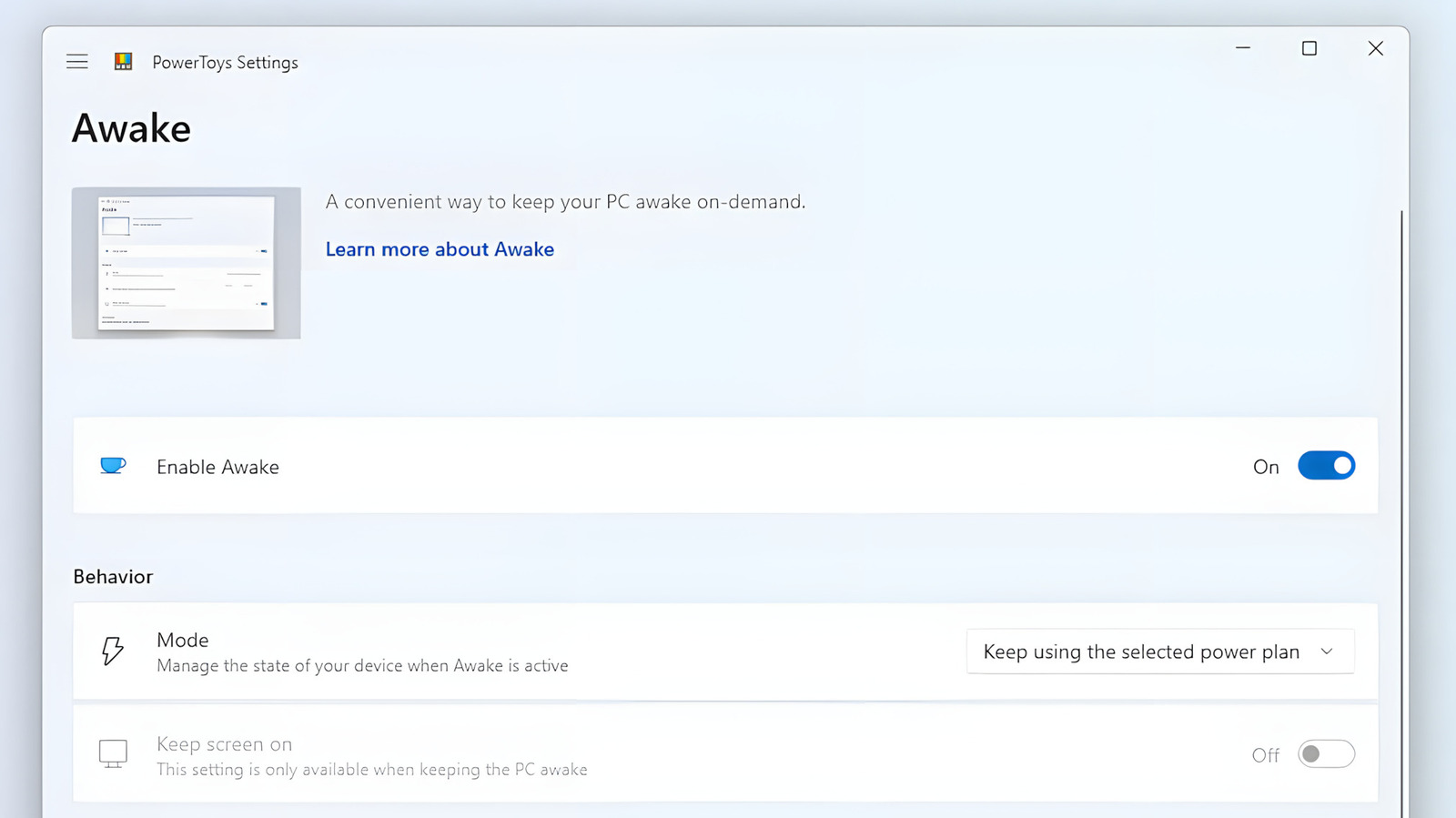
First on the list is **Microsoft PowerToys**. Despite being a hidden gem for years, this suite of utilities is now a must-have for all Windows 11 users. PowerToys enhances your OS with features like **Advanced Paste**, which allows you to customize how you paste copied text, and **Peek**, mimicking macOS’s Quick Look functionality. This app is essential for anyone looking to maximize productivity and streamline workflows on their new system.
Another game-changer is **Blip**, a file transfer application that allows you to send files of any size with just a click. Unlike conventional methods, Blip resumes interrupted transfers seamlessly, making it a reliable option for users who frequently share files across devices, including Android and iPhone. Notably, Blip is free and ad-free, although users should be aware that it does not guarantee end-to-end encryption for sensitive files.
For those who miss macOS features, **QuickLook** brings a streamlined preview function to Windows 11, allowing you to view images, documents, and videos without opening multiple programs. This open-source app is easy to install and incredibly efficient, saving users valuable time when managing files.
Additionally, every Windows 11 user should have **VLC Media Player** installed. This powerful, free application can handle virtually any media format, making it the ultimate choice for video and audio playback. With its extensive customization options and user-friendly interface, VLC is perfect for both casual viewers and power users alike.
Finally, to tackle leftover files after uninstalling applications, **Revo Uninstaller** is indispensable. This tool not only removes programs but also cleans up residual files and registry entries, ensuring your system stays clutter-free. Alternatively, users can opt for **Geek Uninstaller**, a simpler solution for those who prefer a less complex interface.
These applications not only enhance the Windows 11 experience but also help safeguard your system’s performance. Don’t wait—download these tools today to make the most of your upgrade. As technology evolves, staying ahead means having the right tools at your fingertips.
Stay tuned for more updates as Microsoft continues to roll out features and improvements for Windows 11.