UPDATE: New customization tips for Android users have just been released, making it easier than ever for newcomers to personalize their devices. This guide is especially useful for those transitioning from iPhone, enabling them to take full advantage of Android’s extensive flexibility.
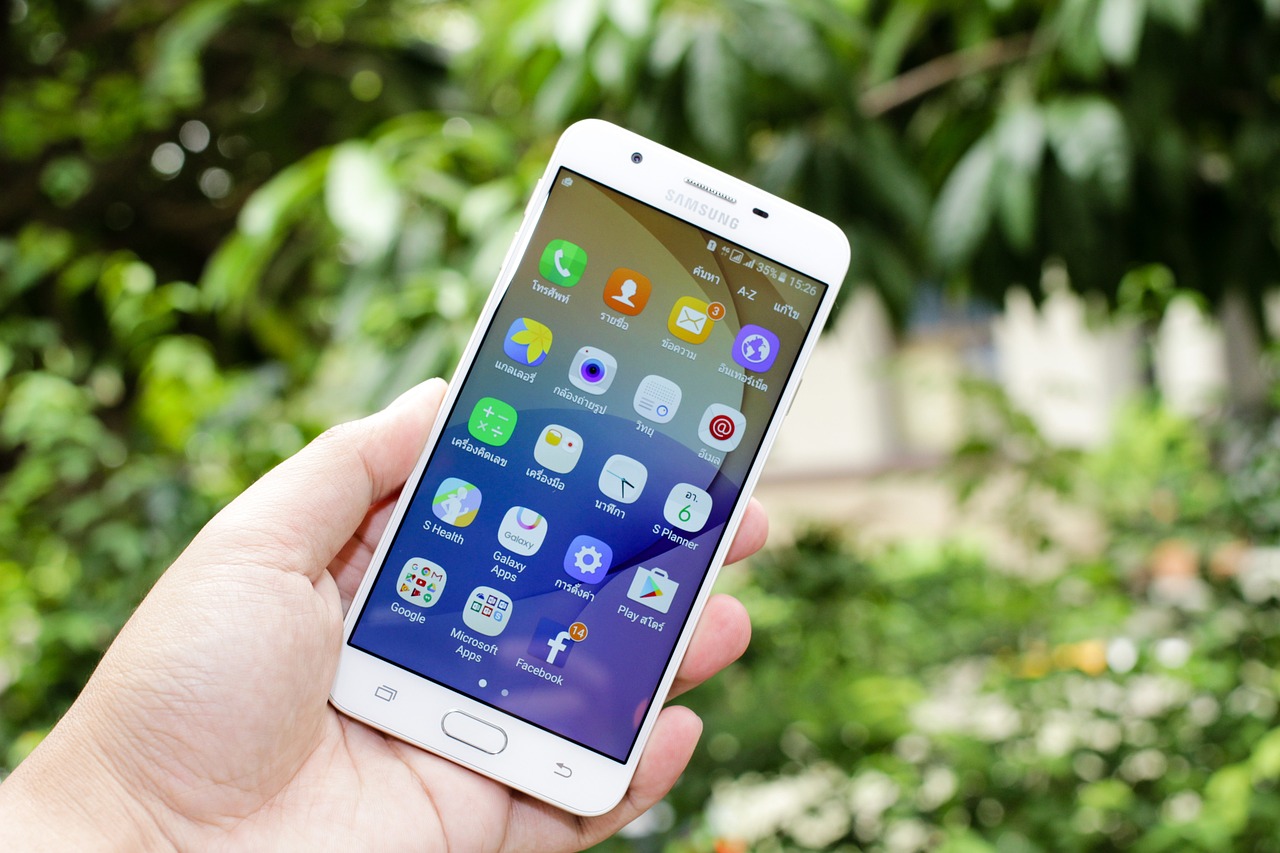
Android is renowned for its customization capabilities, allowing users to tailor their home screens to fit individual preferences and needs. With just a long press on an empty space on the home screen, users can access options for wallpapers, widgets, and settings to start their personalization journey.
Why This Matters NOW: With more people switching from iPhone to Android, understanding how to customize the home screen is crucial for enhancing the user experience. Simplifying the interface by organizing apps into folders and prioritizing frequently used applications can dramatically improve usability and efficiency.
Key Tips:
– Users can resize widgets by dragging their edges, creating a layout that suits their style.
– Downloading icon packs from the Google Play Store can transform the appearance of app icons, especially when paired with built-in themes from manufacturers like Samsung and Xiaomi.
– Dynamic wallpapers add an engaging element to the home screen, making devices feel lively and personalized.
For beginners, widgets are essential tools for quick access to information without launching apps. Adding a widget typically involves a long press on the home screen, selecting the “Widgets” menu, and choosing the desired widget to place. Popular options include weather, clocks, calendars, and music controls, which can be adjusted in size to optimize space.
Apps like WidgetClub are revolutionizing the customization process by providing themed sets of wallpapers, icons, and widgets, making it easier for newcomers to create visually appealing home screens.
Transitioning from iPhone: For users coming from an iPhone, the switch to Android can be overwhelming, but the new customization options available can enhance their experience. Unlike iPhone, Android users can freely place widgets and use third-party launchers like Nova Launcher for more control. These launchers allow for custom gestures and advanced grid settings, helping users replicate their familiar iPhone layout or discover new configurations unique to Android.
To make the Android home screen visually stunning, prioritizing simplicity and consistency is key. Users should aim for matching icon packs, minimalist widgets, and clean wallpapers. Organizing apps into folders and utilizing the app drawer for less frequently used applications can also streamline navigation.
New Android users are encouraged to experiment with different setups to find what works best for their daily routines. Regular updates to apps and widgets are essential for optimal performance, and users should be cautious about downloading third-party apps from unofficial sources to avoid potential security vulnerabilities.
As more users turn to Android for its customization features, this guide serves as a critical resource for maximizing their mobile experience. By mastering widgets, exploring launcher options, and personalizing their devices, users can create an efficient and visually appealing mobile environment tailored to their needs.
Stay tuned for more updates on Android customization as it continues to evolve, enhancing user experience worldwide.