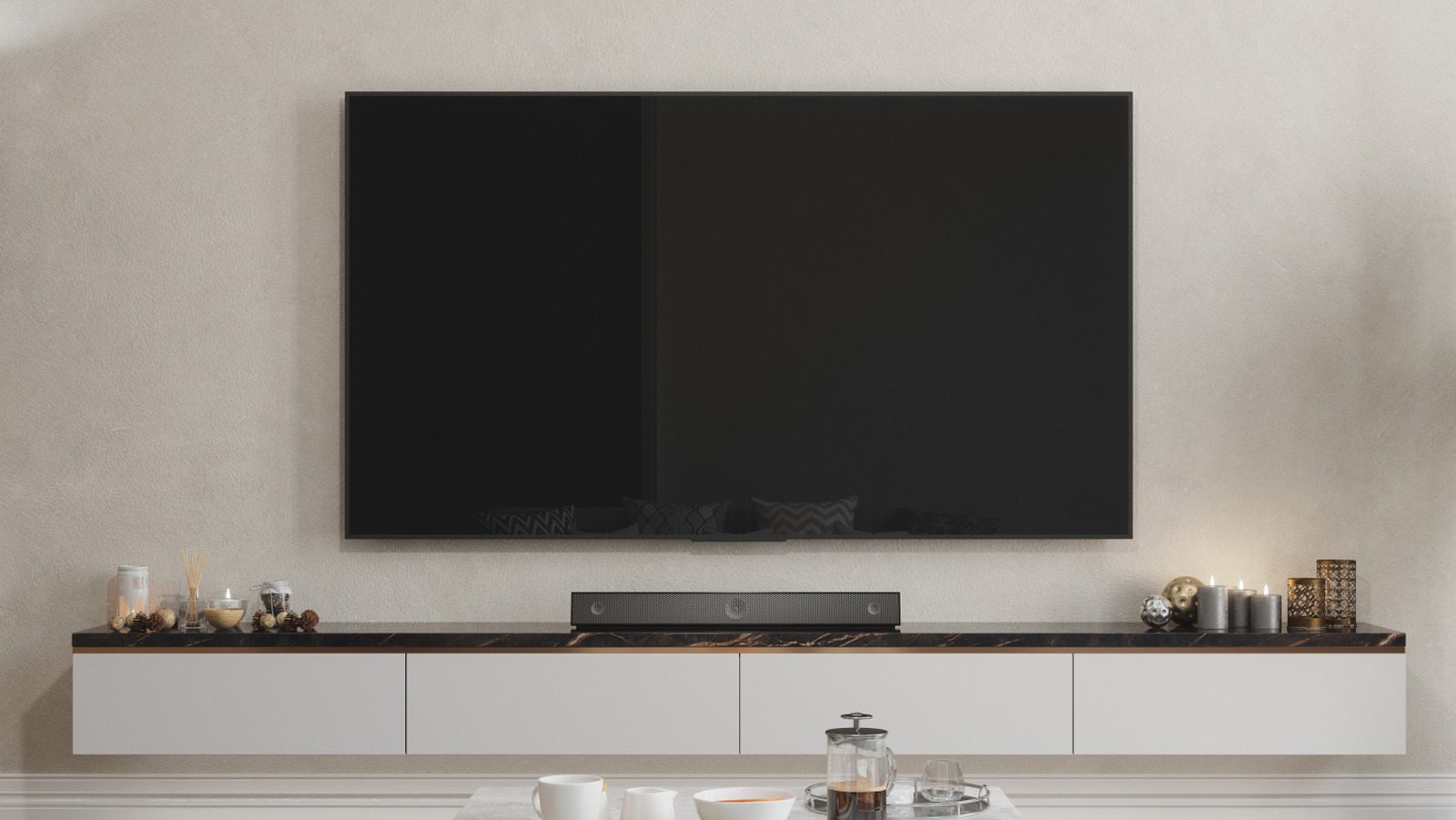
Setting up a new television can often seem straightforward, but the choice of HDMI port can significantly impact your audio experience. For optimal sound quality, it is recommended to connect devices such as soundbars or audio receivers to the HDMI eARC (enhanced Audio Return Channel) port. This port provides superior performance, particularly for users with home theater systems, ensuring the best possible audio output from their televisions.
The HDMI eARC port, introduced in 2017 as part of the HDMI 2.1 standard, offers greater bandwidth and a higher bitrate compared to standard HDMI ports. This enhancement allows for the transfer of high-quality audio formats such as Dolby Atmos and DTS:X, which are among the leading surround sound formats. Devices like the Apple TV also experience improved performance when connected to the HDMI eARC port, showcasing its capabilities.
While eARC is designed for high-performance audio devices, it is essential that the connected audio equipment is compatible with eARC. If a soundbar or audio receiver is only rated for the older Audio Return Channel (ARC), it will still function when connected to eARC. However, it will not take advantage of the increased bandwidth, resulting in lower audio quality than what eARC can deliver.
The introduction of eARC marked a significant advancement over the original ARC feature, which struggled to transmit high-quality, uncompressed audio. With eARC, audio formats like Dolby TrueHD can be transmitted effectively, allowing users to fully experience the depth and richness of their audio content.
Not all devices benefit from being plugged into the eARC port. For instance, Blu-ray players, gaming consoles, and streaming devices may not leverage the eARC’s capabilities, as the port is primarily designed for sending audio from the television to an audio system. Moreover, connecting such devices to an eARC port will not typically create issues, but for gaming consoles like the PlayStation 5, the HDMI 2.1 connection is preferred. This connection allows for higher resolutions, such as 4K, and can minimize gameplay lag.
If you are uncertain about which HDMI port to use on your television, it is advisable to refer to the user manual for your specific device. Most televisions provide clear labeling of their ports, but if this is not the case, the owner’s manual will contain vital information regarding the preferred connections for eARC, ARC, or other HDMI ports.
In summary, for the best audio experience, particularly in home theater setups, always connect audio devices to the HDMI eARC port. This ensures that you can take full advantage of the advanced audio capabilities that eARC offers, elevating your overall viewing experience.