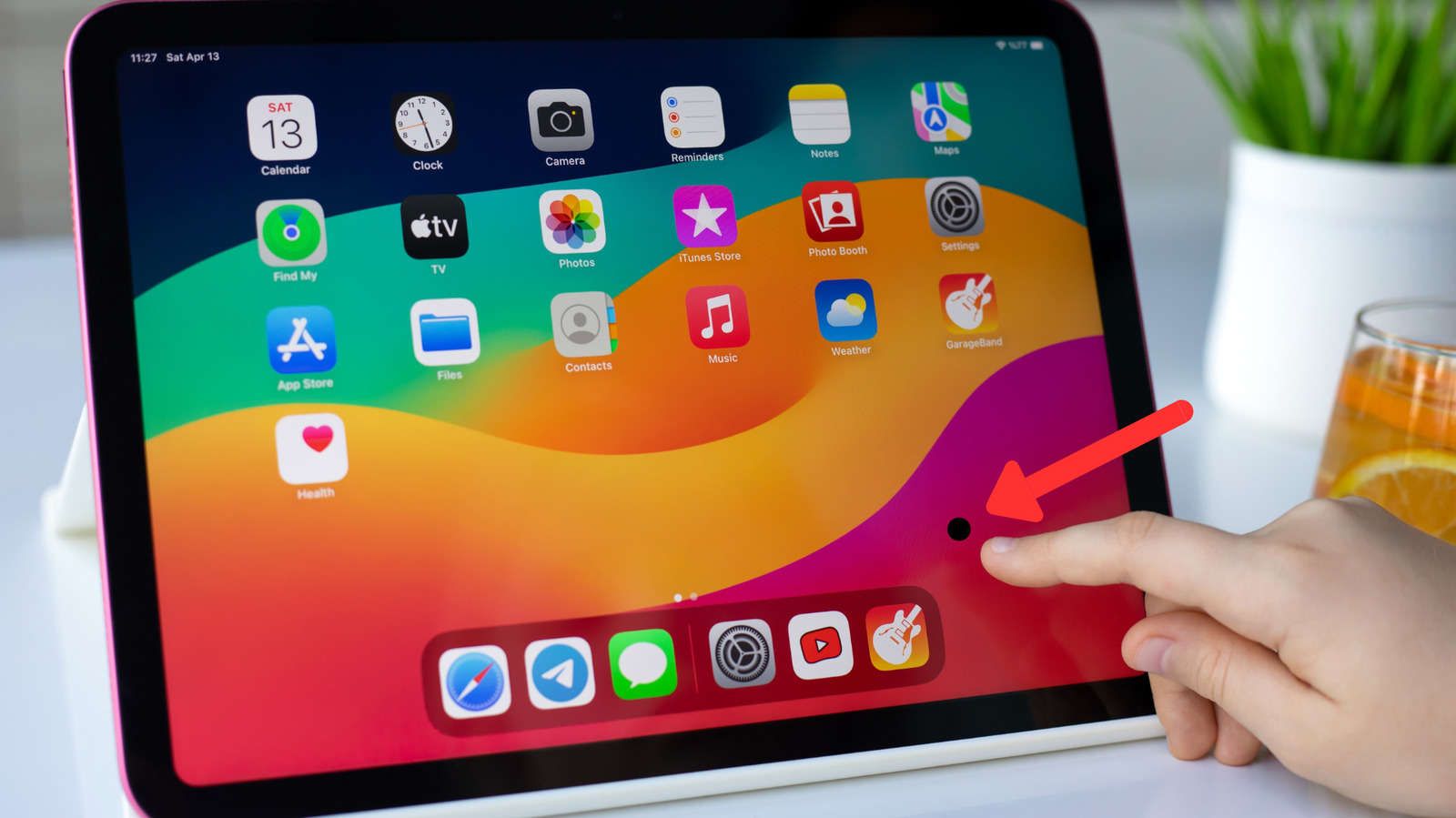
Issues with pixel display can be a frustrating experience for iPad users. If you notice a persistent speck on your screen, it may indicate a pixel issue that could stem from various causes, ranging from software glitches to hardware defects. Understanding how to diagnose and address these problems will help you maintain your device’s performance.
Diagnosing the Pixel Problem
The initial sign of a pixel issue often appears during routine tasks, such as browsing the internet, watching videos on platforms like Netflix, or editing photos. When you attempt to wipe away the speck, it remains visible, hinting that something more serious may be at play. This defect does not hinder touchscreen functionality, but it can become increasingly distracting.
To determine the nature of the problem, users can conduct a simple screenshot test. By pressing the power and volume up buttons simultaneously on newer iPad models, or the home and power buttons on older versions, you can capture a screenshot. Afterward, open the Photos app and rotate your device. Observe whether the speck moves; if it does, the issue likely relates to a software glitch. In such instances, restarting the iPad or reinstalling the problematic application may resolve the issue.
If the speck remains in the same position during the test, it indicates either a stuck or dead pixel, which is a hardware defect. Newer iPads may encounter these issues due to manufacturing defects, as display yields are not always perfect. A pixel failure can occur weeks or even months after purchase, attributable to microscopic variances in the screen.
Understanding the Causes and Solutions
Older iPad models without laminated displays are particularly vulnerable to pixel issues. Tiny gaps in the display housing can allow dirt or lint particles to infiltrate, becoming trapped between layers and manifesting as dead pixels over time. Unfortunately, if a pixel failure is confirmed, the only viable option is to contact Apple support for professional diagnosis.
If your device is still under warranty and shows no physical damage, you may qualify for a free repair or replacement. However, if the pixel issue arises after a drop or impact, and the device exhibits visible damage, obtaining a complimentary resolution becomes unlikely. In such cases, an active AppleCare+ plan can significantly reduce repair costs. Without this coverage, users may face substantial fees for screen replacement.
Another common issue that requires attention is bright spots on the iPad’s screen. Regardless of warranty status, this problem typically necessitates a screen replacement to restore functionality.
By being vigilant and informed, iPad users can effectively address pixel issues and ensure their devices remain in top condition.