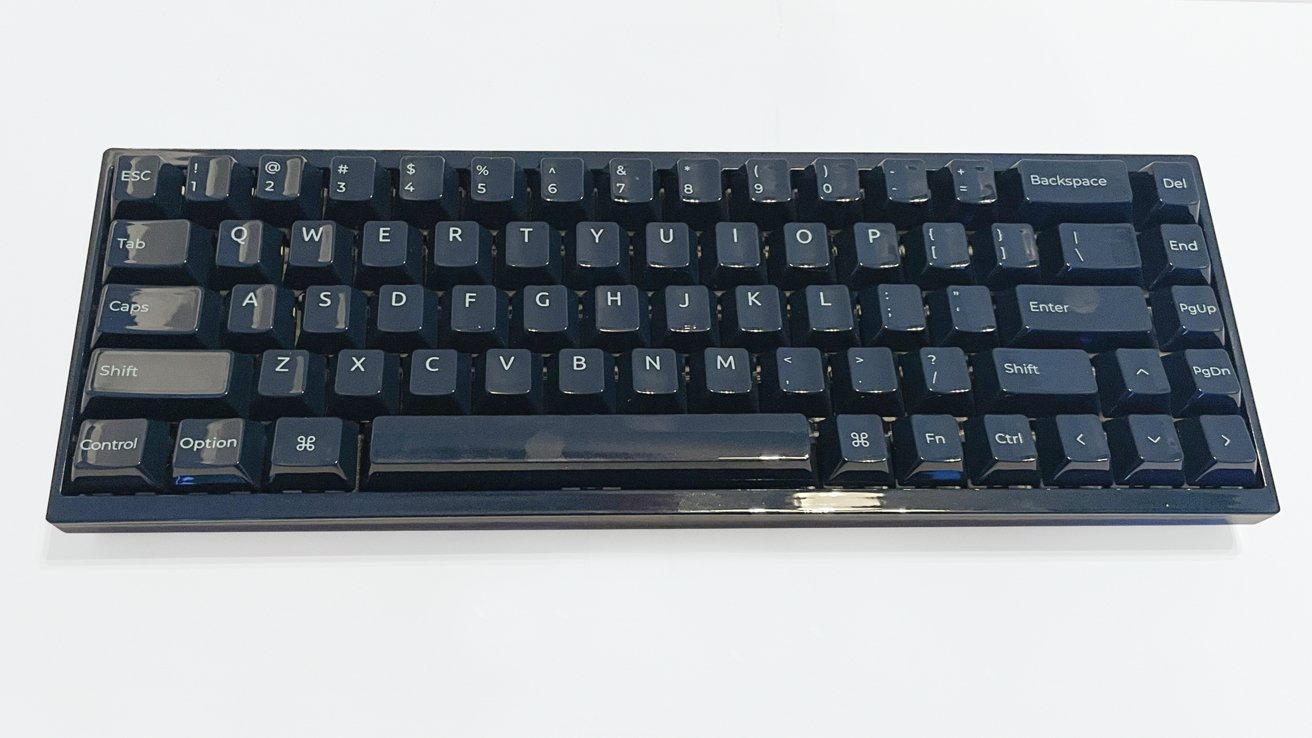
In the pursuit of increased productivity, many professionals are turning to programmable macro keypads, which are revolutionizing how we interact with software and manage tasks. This innovative approach allows users to streamline their workflows significantly by offloading keyboard shortcuts onto dedicated devices.
Rethinking Keyboard Shortcuts
The journey into keyboard shortcuts often begins simply, such as using basic macOS triggers for common information like email addresses or home addresses. However, once users embrace tools like Keyboard Maestro, they can take productivity several steps further. By assigning shortcuts to frequently accessed folders and applications, users can navigate their systems with remarkable speed. For example, pressing Fn+F1 to Fn+F6 can instantly open folders or applications that previously required multiple clicks.
Beyond simple navigation, macro keypads enable automation within various workflows. For instance, one user reported setting up shortcuts that open QuickTime for audio recordings and launch Shure PlusMOTIV when connecting a specific USB-C microphone. The potential for customization is vast, allowing users to create tailored workflows that enhance efficiency.
Enhancing Audio Editing Efficiency
When using software like Adobe Audition, a macro keypad paired with a Logitech MX Master mouse can transform the editing process. This combination allows for swift tool switching, file exporting, and effect applications—activities that become significantly faster compared to traditional keyboard shortcuts.
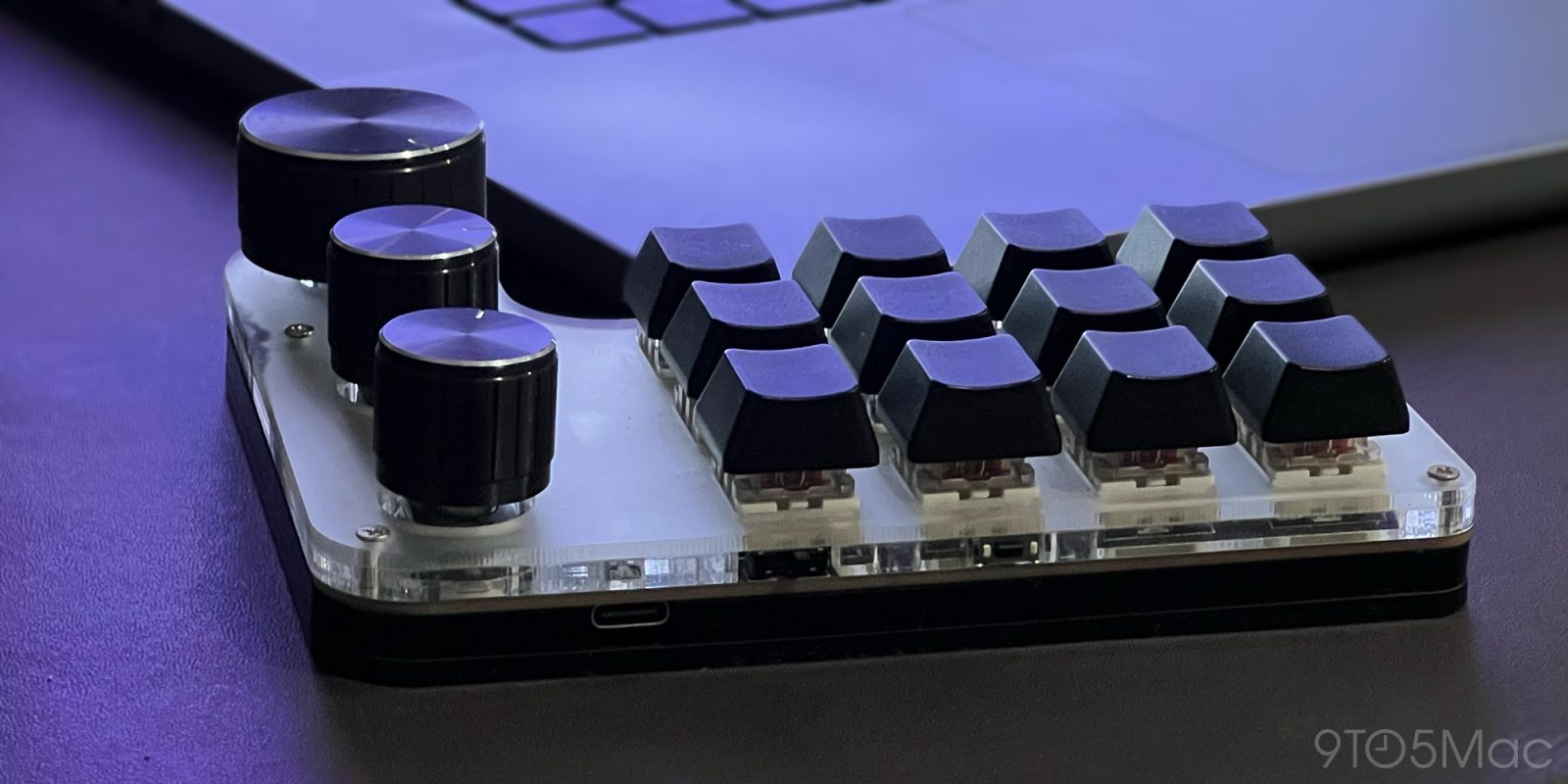
One of the standout features of these macro keypads is the capability to use up to three layers of 12 shortcuts, along with customizable knobs that can act as buttons. This means that the same keypad can serve different functions depending on the context, whether adjusting audio input or controlling display brightness.
While it might take some time to memorize the various commands, users often find that these shortcuts quickly become second nature. The sense of loss when working without this setup emphasizes its impact on productivity.
The variety in macro keypads is extensive, with numerous shapes, sizes, and customizable features. This flexibility makes them suitable for anyone engaged in repetitive tasks, offering a substantial boost to efficiency. The exploration of macro keypads can be an exciting journey into enhancing productivity, making it worthwhile for professionals in any field.
In conclusion, programmable macro keypads represent a significant advancement in personal productivity tools. By allowing users to customize their workflow and streamline repetitive tasks, these devices can transform the way individuals work, making them an essential addition to any professional’s toolkit.