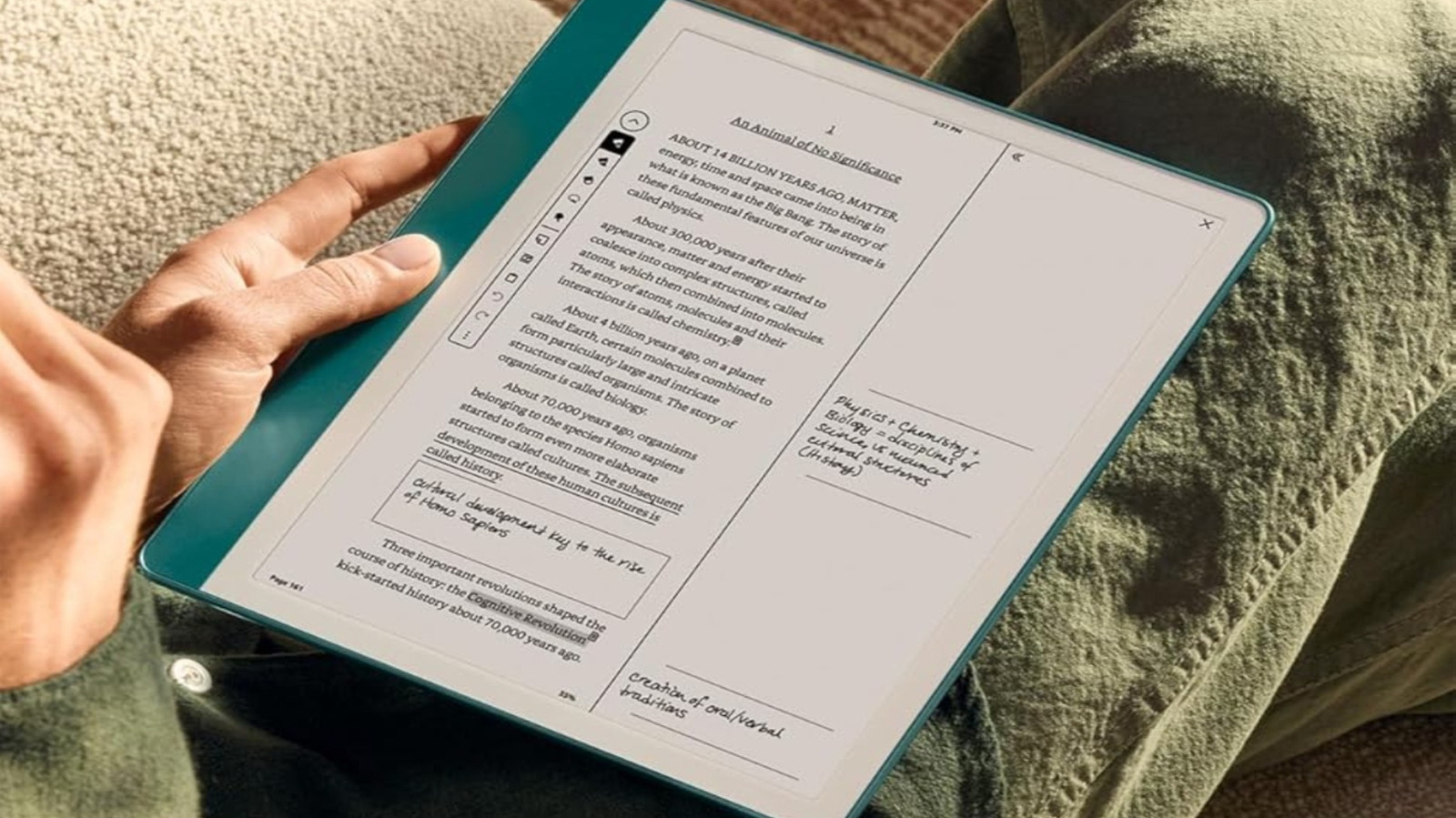
URGENT UPDATE: The highly anticipated Kindle Scribe has officially launched, and new users are eager to maximize its impressive features. Just released by Amazon, this model boasts an 11-inch anti-glare screen, a paper-like feel, and advanced AI tools that redefine digital note-taking.
This device is not just another e-reader; it’s designed for those who want a seamless blend of digital convenience and the nostalgia of pen and paper. If you’ve just purchased your Kindle Scribe, you need to know how to leverage its full potential RIGHT NOW.
1. Master the Premium Pen
The included Premium Pen transforms note-taking. It mimics the sensation of writing on paper, allowing users to annotate documents, highlight text, and take notes directly on the screen. With customizable shortcut buttons for Pen, Highlighter, Eraser, and Sticky Note, you can tailor the experience to your liking. Simply swipe down from the home screen, navigate to All Settings, and set your preferred actions.
2. Utilize Sticky Notes Effectively
Forget about messy paper notes! The Kindle Scribe allows you to create digital Sticky Notes effortlessly. Tap the screen to add a note where needed, write directly on the tablet, and export your notes for easy reference later. This feature is perfect for readers who want to jot down thoughts without losing their place in a book.
3. Activate VoiceView for Accessibility
This innovative feature brings a new level of accessibility to the Kindle Scribe. Users can listen to their content through Bluetooth headphones or speakers. By learning simple gestures, such as swiping right to move to the next item, users can navigate their device hands-free. This feature is especially beneficial for those with visual impairments, making literature more accessible than ever.
4. Share Your Library with Family
The Kindle Scribe includes a Family Library feature that allows you to share your e-books with up to two adults and children linked to your Amazon Family account. This easy-to-use feature encourages shared reading experiences without the hassle of physical books. Set parental controls to ensure age-appropriate content is accessible for younger users.
5. Discover Free and Low-Cost E-Books
Don’t limit your reading options to just what’s available on Amazon. Explore platforms like Overdrive and BookBub for free e-books, or consider subscribing to Kindle Unlimited for $11.99 per month. With a free trial often available, new users can test these services and expand their literary horizons without breaking the bank.
As more users embrace the Kindle Scribe, it’s crucial to understand these features for a more enriching reading and writing experience. With its combination of digital and traditional elements, the Kindle Scribe is poised to change how we interact with books and notes.
Don’t miss out on enhancing your Kindle experience. Share these tips with fellow new users and dive into the innovative world of the Kindle Scribe today!